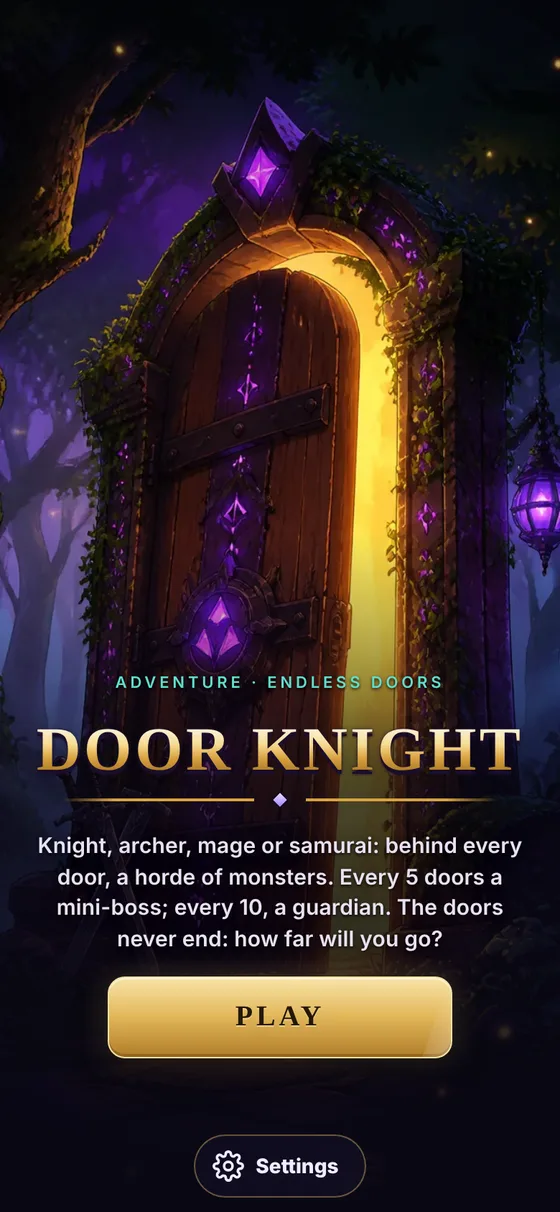
Door Knight is not on the App Store yet. In the meantime the game is open to everyone through TestFlight, Apple's official app for testing apps before release. You play the real version of the game, and your feedback helps finish it.
Step 1 · Install TestFlight
Open the App Store on your iPhone or iPad, search for TestFlight (by Apple) and install it. It's free. If you already have it, go to step 2.
Step 2 · Open the beta link
From your iPhone or iPad, open this link: testflight.apple.com/join/Jhxx6gj1. TestFlight opens and offers to join the Door Knight beta. Accept.
Step 3 · Install and play
Tap Install in TestFlight. The Door Knight icon appears on your home screen like any other game. Launch it, create your hero with a nickname, and open the first door.
Updates
TestFlight notifies you of every new version. Install it to keep playing: each test build lasts 90 days. What's new in each update is posted in the #nouveautés channel of the Discord.
Purchases in the beta
In-app purchases are in test mode during the beta: nothing is ever charged. Feel free to try them.
Reporting a bug
Two ways: take a screenshot in the game and send it from TestFlight (it offers to, right after a screenshot), or post it in the #bugs forum on the Discord with your phone model and nickname. One post per bug, after checking it doesn't exist already.
What about Android?
For now the beta is only for iPhone and iPad. The Android version is in the works and will be released on Google Play; the date will be announced first on the Discord and on Instagram.
Ready to open the first door?
Door Knight is free, in open beta on iPhone and iPad via TestFlight. Android is coming to Google Play.
Join the beta Join the Discord